 Fotom
Fotom
Every loyalty card.
One tap away.
Fotom keeps all your loyalty and reward cards in one place. Scan a card once, then show its barcode at checkout — even when you are offline.
Designed for iPhone · Works offline · Cloud sync & family sharing
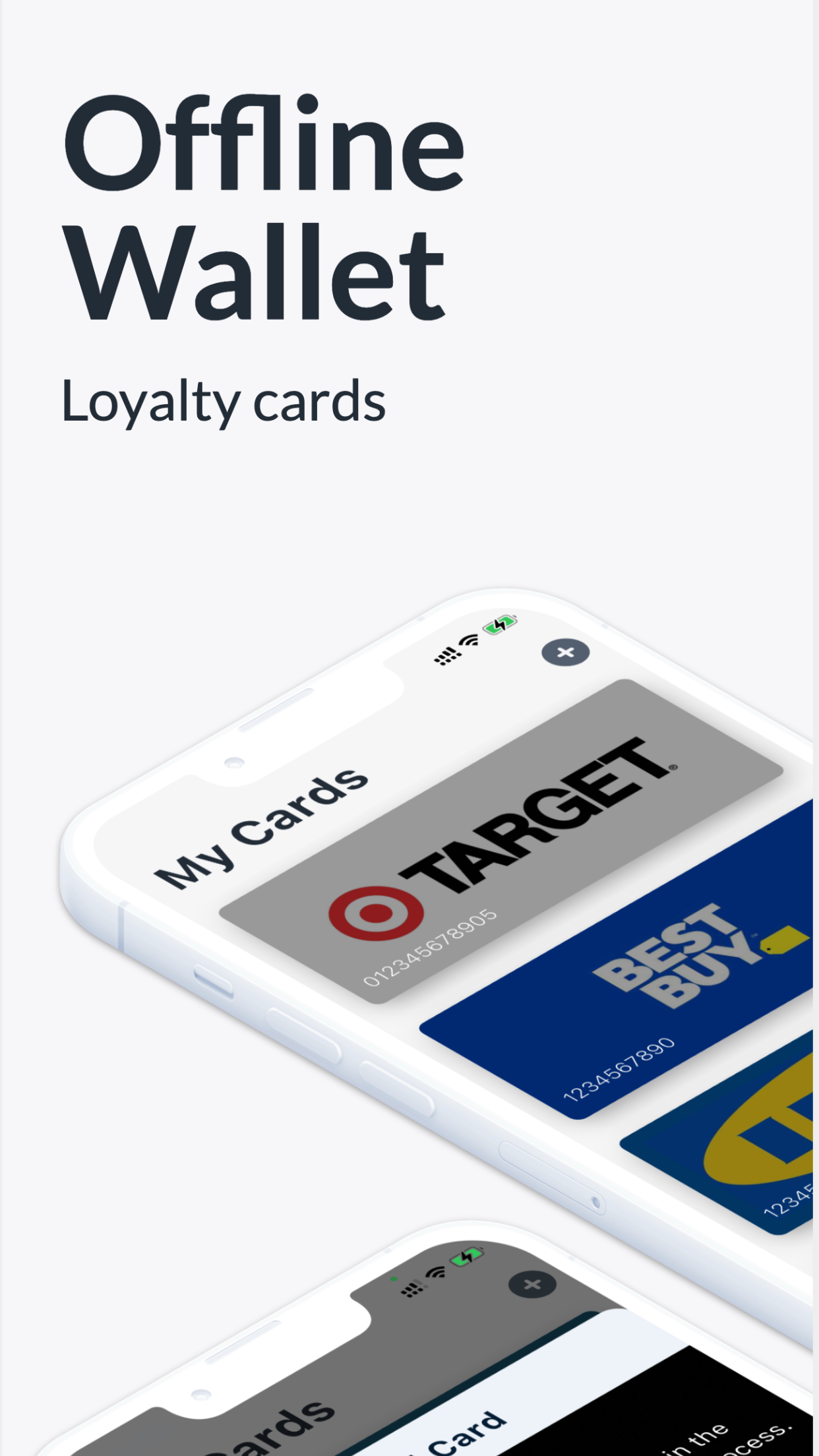
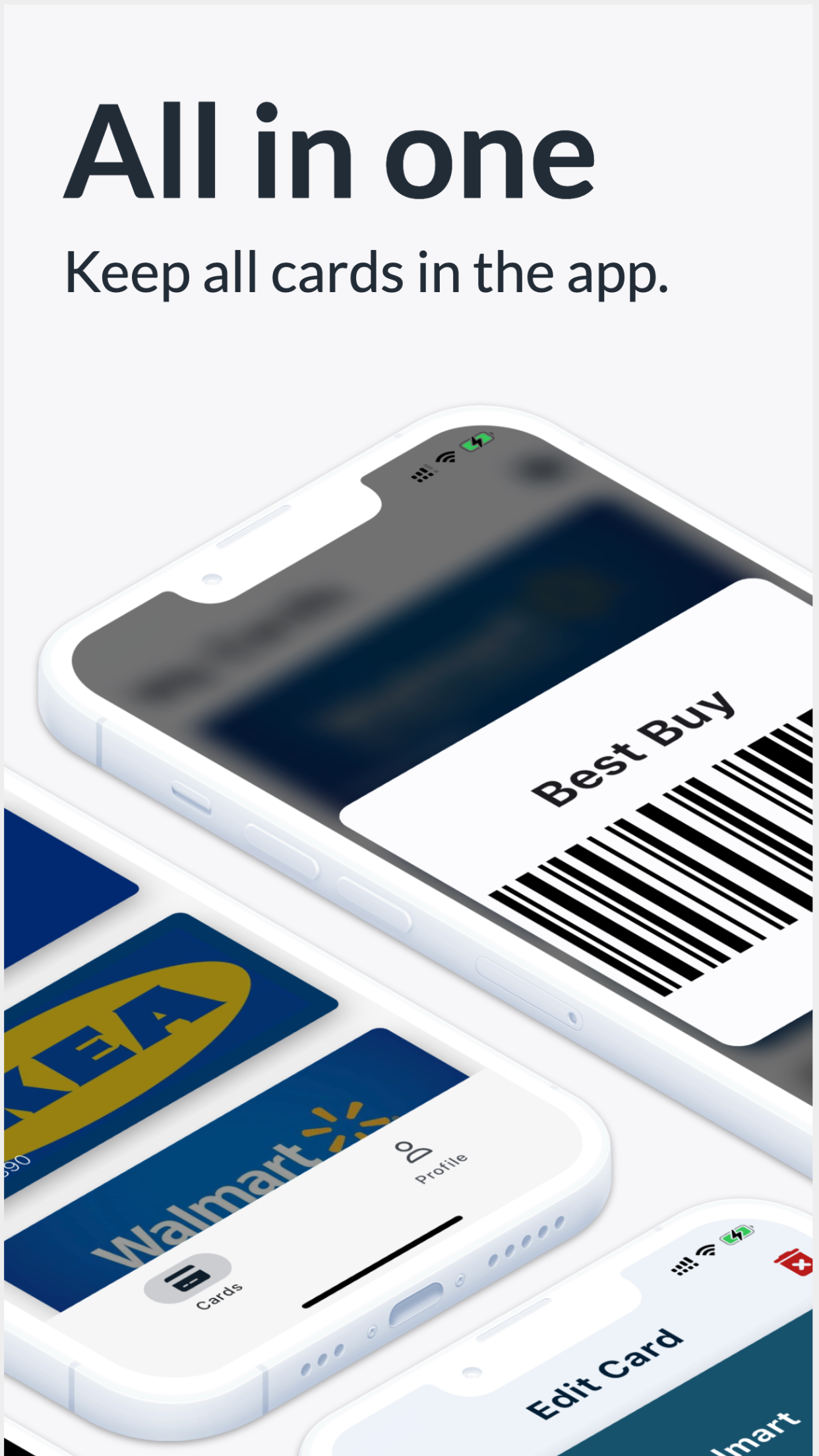
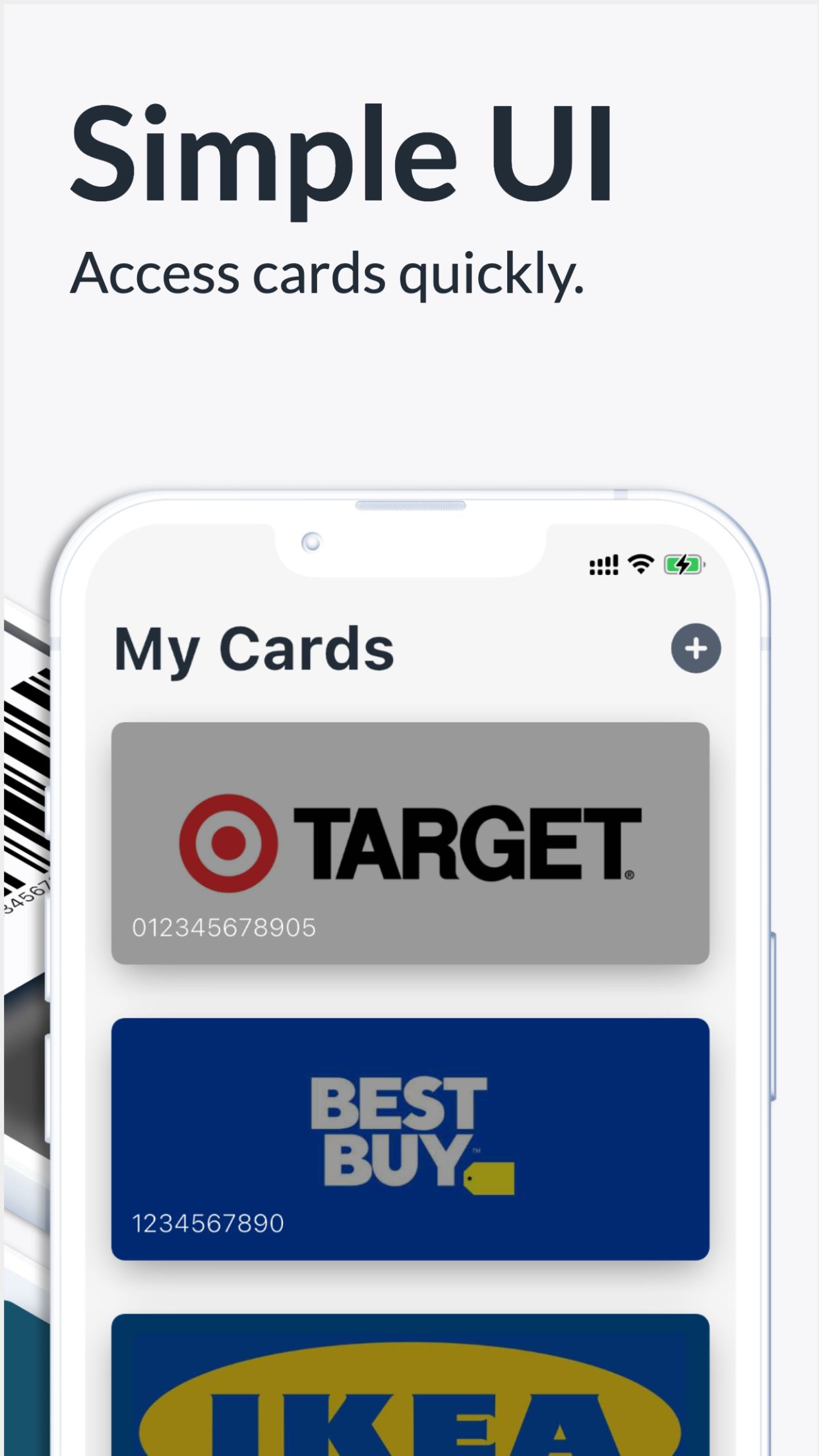
A tidy wallet for the cards you actually use.
Add a card by scanning it, make it your own, and have it ready the moment you reach the till.
Add cards by scanning
Scan a barcode or pick an image from your gallery — Fotom detects the code and stores the card.
Show at checkout
Open a card and show its barcode at the till. The brightness adjusts so scanners read it instantly.
Works offline
Your cards live on your iPhone, so they are always ready — no connection required at the store.
Personalized designs
Customize how each card looks and add a profile photo to make your wallet feel like yours.
Cloud sync
Optionally sync your cards securely to the cloud so they follow you to a new device.
Share with family
Easily share cards with the people you shop with, so everyone has the right card on hand.
Your cards are ready, with or without a connection.
Fotom stores your cards on your iPhone, so you can open any card and show its barcode at the till even with no signal. Turn on secure cloud sync to back up your wallet and carry it to a new device, and share cards with the people you shop with.
- Cards stored on your device for instant, offline access.
- Optional secure cloud sync across your devices.
- Share cards with family and friends.
- Add cards by scanning, from a photo, or by hand.
How it works
Three small steps. Then your wallet is ready whenever you shop.
-
STEP 01
Add a card
Scan the barcode, upload an image, or enter the number by hand.
-
STEP 02
Make it yours
Name the card, pick a color, and add a photo so it is easy to find.
-
STEP 03
Show and save
Tap the card at checkout to show its barcode — even when you are offline.
Free to use. Premium when you want more.
Add and use your cards for free. A subscription unlocks full access, including secure cloud sync and additional features, through the App Store.
- Unlimited loyalty cards
- Secure cloud sync across devices
- Personalized card designs and profile photo
- Full access via subscription on the App Store
Frequently asked questions
Everything you need to know about Fotom, offline access, and pricing.
- Is Fotom free?
- Yes. Fotom is free to add and use your loyalty cards. A subscription unlocks full access, including secure cloud sync and additional features, through the App Store.
- Does Fotom work offline?
- Yes. Your loyalty cards are stored on your iPhone, so you can open any card and show its barcode at checkout even without an internet connection.
- Can I sync my cards to a new device?
- Yes. With cloud sync enabled, your cards are securely backed up and follow you when you switch to a new iPhone.
- How do I add a loyalty card?
- You can scan the card barcode with your camera, choose an image from your gallery that contains a barcode, or enter the card number manually.
- Can I share cards with my family?
- Yes. Fotom lets you share cards with family and friends, so everyone you shop with can access the right card.
- What languages and platforms does Fotom support?
- Fotom is built for iPhone and is available in English, Croatian, Czech, German, Latvian, Polish, and Ukrainian.
Leave the plastic at home.
Built for iPhone. Your cards, ready at checkout — online or off.